Institute Reports & Statistics
View your institute's training performance statistics — staff completion rates, certificates earned, and yearly trends.
Reports Navigation Flow
Statistics Page Screen
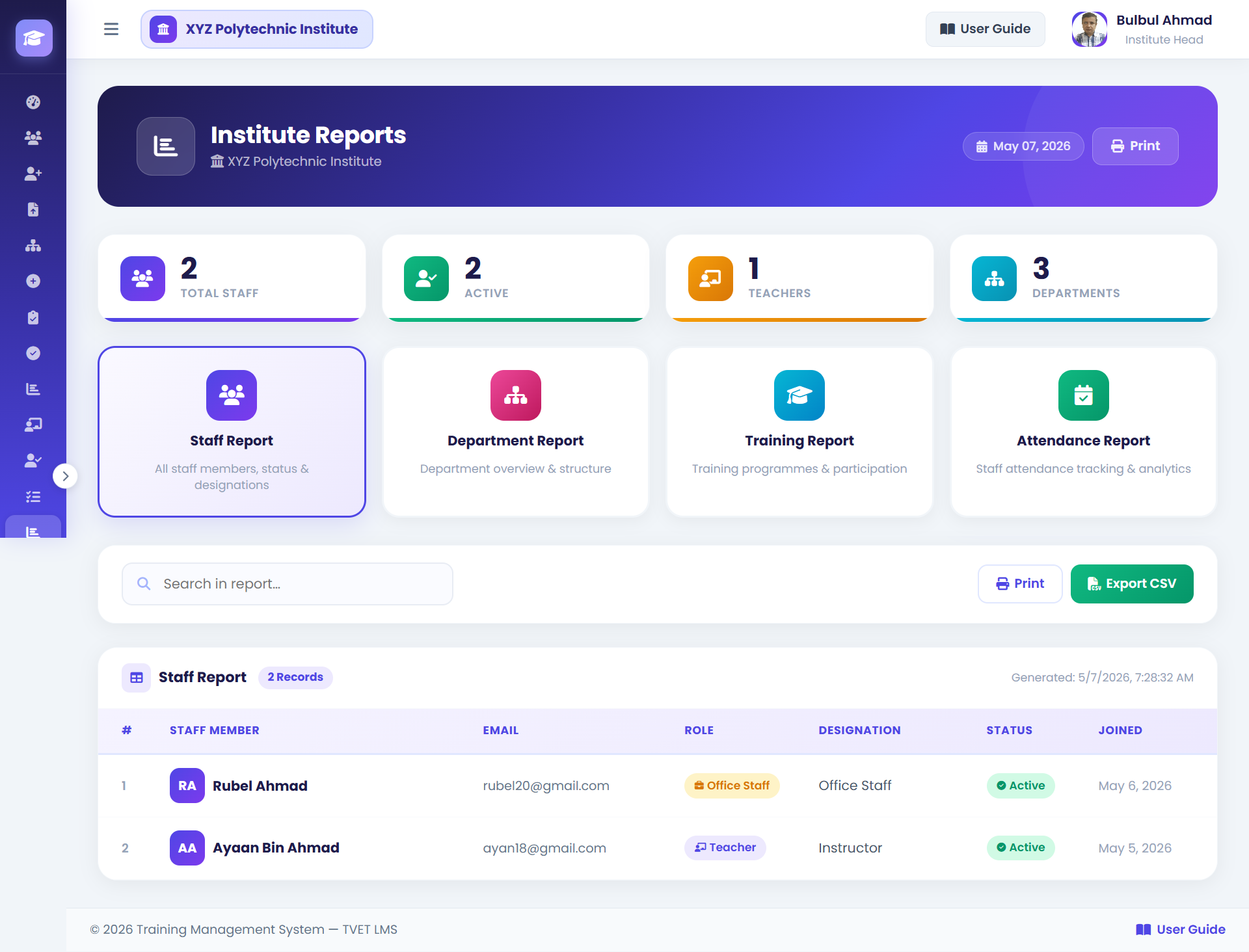
How to View Institute Statistics
- 1Open Statistics Page
Click View Statistics on your dashboard, or navigate to
/dashboard/head/statistics/directly. - 2Review Summary Cards
The top row shows key KPIs: total staff who attended training, completion percentage, number of certificates issued, and outstanding nominations.
- 3Filter by Year or Program
Use the filter dropdowns to narrow the data. For example, select the current year to see only this year's performance.
- 4Review Staff Table
Scan the per-staff breakdown. Look for staff who have not yet attended any training — these may be priorities for future nominations.
- 5Print for Management
Click Print Report to generate a clean printable version. This is suitable for attaching to management reports.
💡 Use Ctrl+P / Cmd+P → Save as PDF to keep a digital archive.
Institute Head Guide Complete
You've covered all 5 Institute Head functions. Explore other roles below.