Teacher
Dashboard
Your personal training hub showing upcoming schedules, your nomination statuses, and quick access to all key functions.
Purpose
After logging in as a Teacher (or Office Staff), this is your home screen. It shows what training you're enrolled in, what's coming up, and provides shortcuts to request new training or download certificates.
Dashboard Flow
flowchart TD
A([Login as Teacher]) --> B[Redirected to Teacher Dashboard]
B --> C[View My Stats]
C --> D[Training Attended Count]
C --> E[Certificates Earned]
C --> F[Upcoming Training]
B --> G[Upcoming Training Panel]
G --> H[See schedule date & venue]
B --> I[My Nominations Panel]
I --> J[PENDING / APPROVED / COMPLETED]
B --> K[Quick Actions]
K --> L[Request New Training]
K --> M[View My Certificates]
K --> N[View My Attendance]
Teacher Dashboard Screen
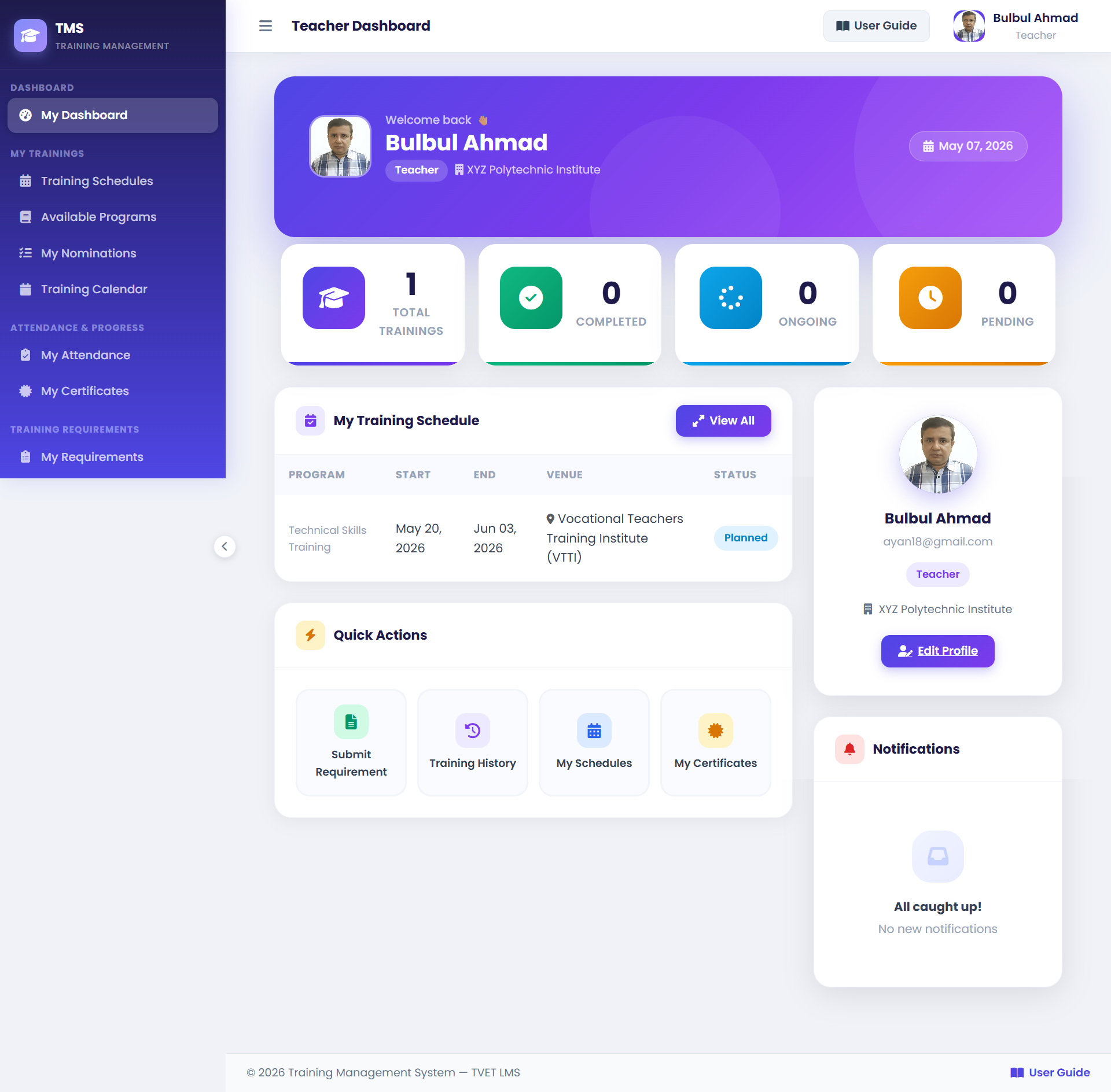
1Stats Cards — Training Attended, Certificates Earned, Upcoming Training count.
2Upcoming Training — Your next scheduled training with date, venue, and program name.
3My Nominations — Latest nomination statuses: PENDING (waiting approval), APPROVED (confirmed), ATTENDED (completed).
4Quick Actions — Request Training, My Certificates, My Attendance shortcuts.
Dashboard Cards Reference
| Card / Panel | What It Shows |
|---|---|
| Training Attended | Total count of training programs you have completed (ATTENDED status). |
| Certificates Earned | Number of certificates issued to you. |
| Upcoming Training | Training you're enrolled in that hasn't started yet. |
| My Nominations | List of your nominations with current status. |
| Training History | Past completed training programs. |